
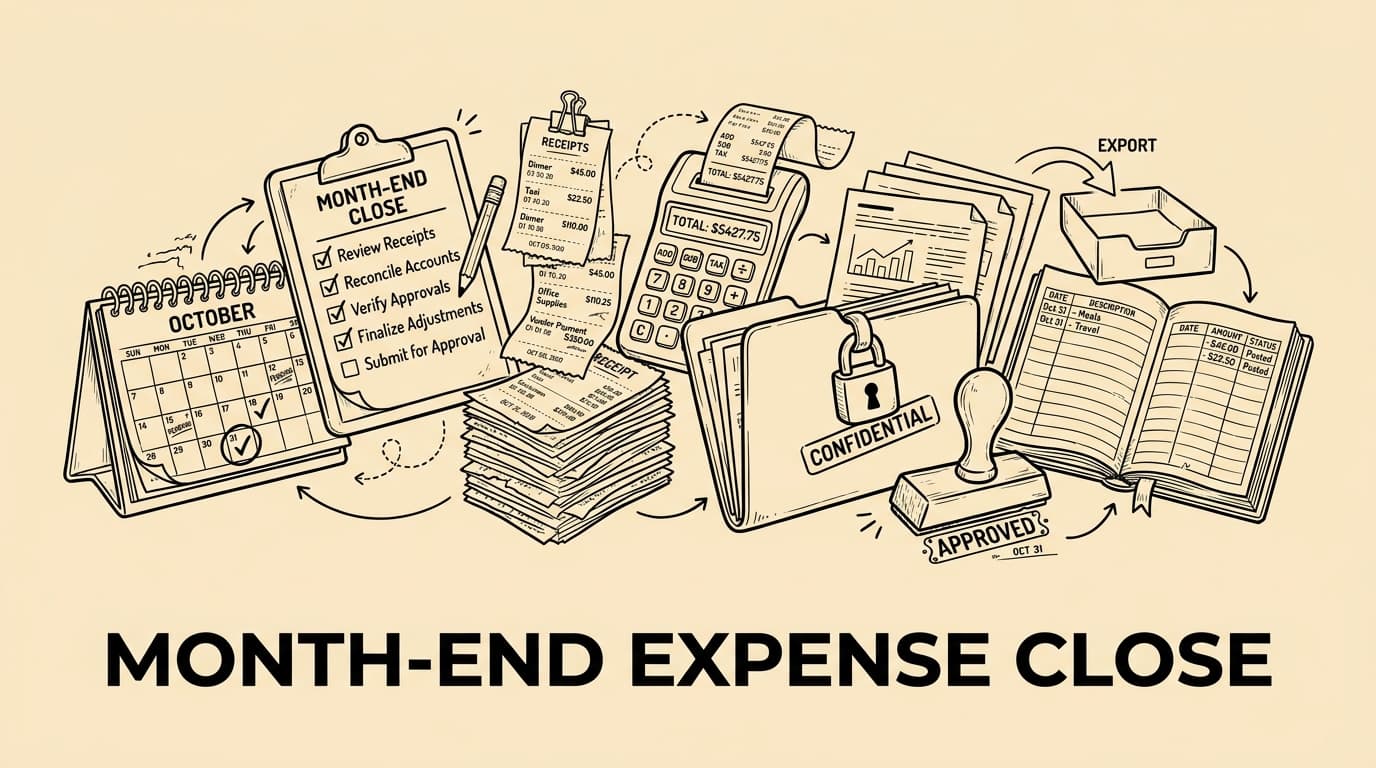
Month-End Expense Closing Checklist for Finance Teams gives finance teams a practical sequence for closing expense data with fewer surprises and a cleaner audit trail.
Why month-end expense closing needs its own checklist
Month-end close is easier when expense data is treated as a controlled workflow rather than a last-minute inbox search. The goal is not to make every employee think like an accountant; the goal is to collect receipts, card transactions, mileage notes, approvals and accounting categories early enough that finance can review exceptions instead of rebuilding the month from memory. A dedicated checklist gives the team a repeatable sequence: confirm completeness, clean up missing evidence, validate tax fields, approve reimbursements, post accruals where needed and export only records that are ready for the ledger.
Set a clear cut-off and communicate it before the last day
The first control is a visible cut-off. Tell employees when receipts, travel claims and card explanations must be submitted, and separate the operational deadline from the accounting posting date. A practical close calendar usually includes a reminder three to five working days before month end, a hard submission cut-off, a manager approval window and a final finance review window. That sequence prevents the classic problem where a receipt arrives after reports have been exported, forcing the team either to reopen the period or to carry avoidable corrections into the next month.
Confirm that every transaction has evidence
Completeness starts with matching each transaction to evidence. For card spend, compare card feeds or statements with uploaded receipts. For reimbursable claims, check that the amount, date, merchant, currency and business purpose are present. For mileage, confirm the trip date, route or distance basis and approval. For subscriptions and recurring software, verify whether the invoice belongs to the current period or needs accrual treatment. The checklist should explicitly distinguish missing receipts from receipts that exist but are unreadable, duplicated or attached to the wrong expense line.
Validate categories before exporting to accounting
Expense categories should be checked before data enters the accounting system. A late reclassification is expensive because it can affect VAT reporting, cost-centre analysis, project margins and management reporting. Finance should review high-volume categories such as travel, meals, office supplies, software and professional services, then scan for unusual combinations: a hotel booked to software, a meal coded as office equipment, or a supplier that appears under several categories. The aim is not to question every legitimate claim, but to stop avoidable miscoding while the context is still fresh.
- Travel and mileage
- Meals and hospitality
- Software and subscriptions
- Office and remote-work supplies
- Professional services
Review approvals and policy exceptions
A close checklist should not treat approval as a simple yes-or-no field. It should flag claims that were approved after the cut-off, expenses above policy limits, missing manager sign-off, unusual split receipts and claims submitted by approvers themselves. These exceptions do not always mean fraud or error; they often signal travel changes, urgent client work or unclear policy wording. Still, the finance team needs an auditable explanation before posting. A short exception note is better than an informal chat that cannot be reconstructed during audit or tax review.
Check VAT, tax and local documentation fields
Tax review should focus on the fields that determine whether an expense is deductible, recoverable or only partly recoverable. Depending on the country and transaction type, that can include supplier details, VAT amount, invoice number, tax rate, business purpose and the employee or project connected to the spend. Avoid broad assumptions: meal, travel and entertainment rules differ by jurisdiction, and cross-border receipts can require special handling. When evidence is incomplete, mark the item for review instead of forcing a tax treatment that the document does not support.
Handle accruals and late expenses deliberately
Not every valid cost arrives before the close deadline. The checklist should define when finance posts an accrual, when the cost is deferred to the next month and when a late receipt is immaterial enough to follow the normal reimbursement cycle. This decision should be consistent, documented and aligned with the company’s accounting policy. A simple accrual log with supplier, estimated amount, owner, expected invoice date and reversal month helps avoid double counting and makes the next close easier because open items are visible from day one.
Reconcile reimbursements, cards and payroll hand-offs
Expense close often touches several payment routes. Employee reimbursements may flow through payroll or bank payment files, company card transactions may be paid centrally, and some supplier invoices may sit in accounts payable. Before closing the month, reconcile the reimbursement batch against approved claims, check that rejected claims did not slip into payment, and confirm that card liabilities agree with statements. If payroll handles reimbursements, give them a clean file with names, amounts, currencies and taxable/non-taxable treatment where applicable.
Create a close pack that an auditor can follow
The final close pack should be useful to someone who was not part of the month-end rush. Include export files, approval status, exception logs, accrual notes, open missing-receipt items and a summary of any material policy deviations. Store the pack with a consistent naming convention and avoid relying on personal folders or chat threads. A close pack does not need to be complicated; it needs to show what was checked, who approved it, what was excluded, and which open issues will be reviewed next month.
Automate the repeatable parts without hiding judgement
Automation is most valuable when it removes copying, chasing and formatting work while leaving judgement visible. Tools like Bill.Dock can collect receipts, link them to claims, preserve approval history and prepare structured exports, but finance should still own category rules, tax review thresholds and exception decisions. The best workflow combines automation with clear review gates: employees submit complete evidence, managers approve with context, finance checks exceptions, and accounting receives records that are ready to post rather than a bundle of unresolved questions.
Frequently asked questions
What should be checked first at month end?
Start with completeness: every card transaction, reimbursement claim and recurring cost should have a receipt, invoice or documented reason for missing evidence.
Should late expenses be rejected?
Not automatically. Define whether they are accrued, moved to the next month or paid in the normal cycle, then document the decision consistently.
How many approvals are needed?
Use the company policy: often one manager approval is enough for standard claims, while high-value or policy-exception expenses need finance review.
Can automation replace finance review?
No. Automation should collect evidence, preserve workflow history and prepare exports, while finance still reviews categories, tax fields and exceptions.
Practical next step
Bill.Dock can help by turning receipts, approvals and exports into one controlled evidence trail before close day.
Exception queue during the month
A useful operating habit is to keep a live exception queue throughout the month, not only during close week. Each queue item should have an owner, a reason, an age and a next action. This prevents the finance team from discovering all missing information at the same time and helps managers resolve issues while the employee still remembers the trip or purchase.
Post-close review
Another practical control is a short post-close review. After reports are issued, note which categories caused rework, which teams missed the deadline and which policy wording created confusion. The next month’s checklist should be adjusted from those observations rather than copied blindly.
Entity and cost-centre ownership
For multi-entity companies, the close checklist should show which legal entity, branch or cost centre owns each expense. That prevents intercompany rework and makes it easier to explain why a cost belongs in one ledger rather than another.
Currency and card-fee checks
Currency handling should be visible before export. If an employee paid in a foreign currency, finance should see the transaction currency, converted amount, card fee if separate and the source of the exchange rate used for posting.
Materiality rules for review
A materiality rule keeps the team focused. Small, well-documented items can follow the normal workflow, while unusual vendors, high amounts, missing tax fields or repeated exceptions move to finance review before posting.
Employee communication
The checklist should also protect employee experience. When a claim is rejected or held, the employee should see the reason, the missing evidence and the next action instead of waiting for an unexplained payment delay.
Accounting import sample check
After the accounting import, run a small sample check. Confirm that special characters, tax codes, cost centres, totals and attachment links arrived correctly. This catches technical export issues before management reports rely on the data.
Checklist version control
Finally, keep the checklist versioned. If finance changes a cut-off, approval threshold or export mapping, record the date and reason. Version history turns the checklist into a control document rather than an informal habit.
Close control for card statements
A useful operating habit is to keep a live exception queue throughout the month, not only during close week. Each queue item should have an owner, a reason, an age and a next action. This prevents the finance team from discovering all missing information at the same time and helps managers resolve issues while the employee still remembers the trip or purchase. Apply the same discipline specifically to card statements, because this is where unresolved ownership often turns into late corrections after the ledger export.