
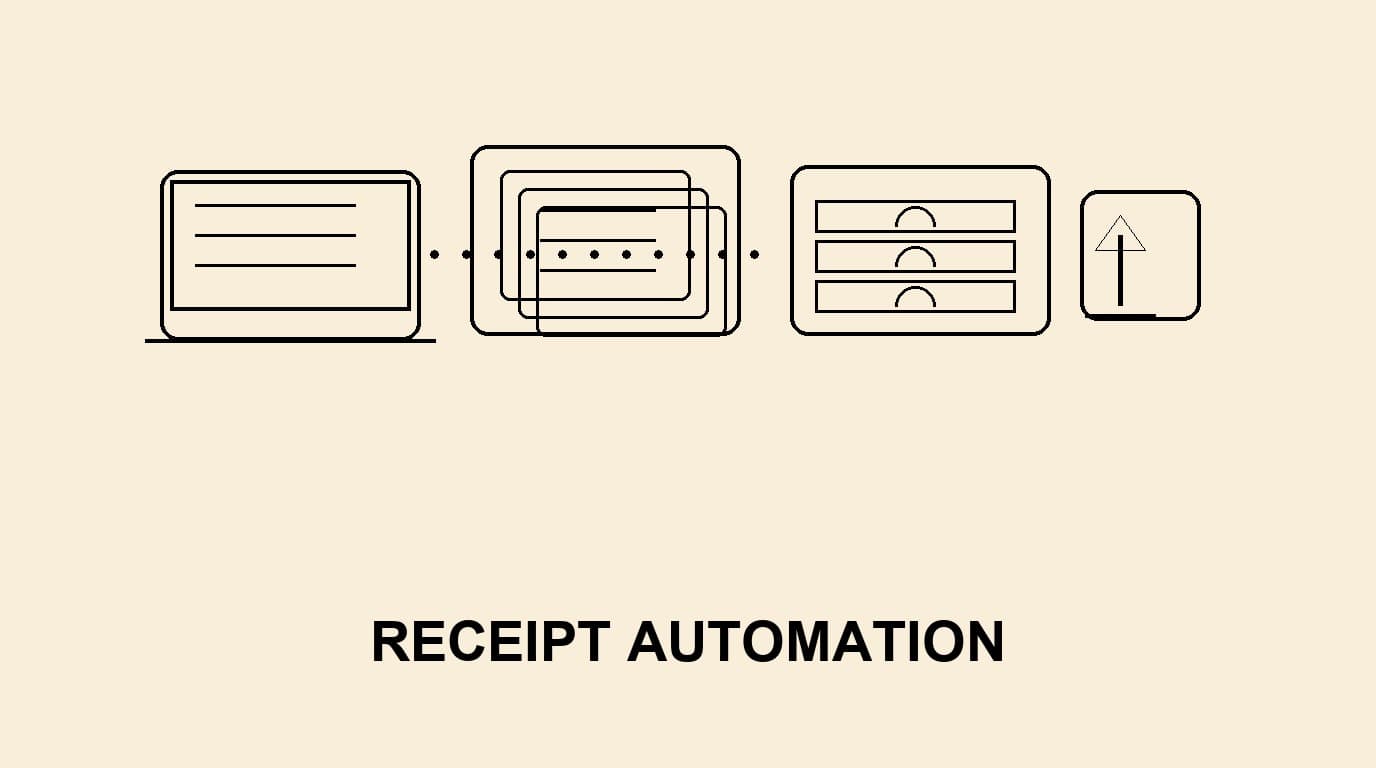
Receipt automation for tax advisors is not just a scanning project. The real value appears when client intake, evidence checks, booking preparation and follow-up requests become one repeatable workflow. Tax practices often receive receipts through email, portals, messenger screenshots and end-of-month bundles. Without a controlled process, the team spends too much time renaming files, chasing missing context and deciding whether an expense belongs to bookkeeping, payroll, VAT review or a client question. A good automation setup turns scattered receipts into structured work: every file has an owner, a status, a reason code and a traceable handoff. This guide explains a practical model for firms that serve small businesses, founders and consultants and need cleaner month-end work without promising magic or replacing professional judgement.
Start with the advisory problem, not the scanner
The first design question is not which OCR engine reads a receipt. It is what the practice needs to decide after the receipt arrives. A lunch bill may need attendee context, a software subscription may need a business purpose, and a travel receipt may require a project, client or mileage note. If automation captures only vendor and amount, the team still has to interrupt the client later. Tax advisors should map the common reasons a receipt cannot be posted immediately and convert those reasons into intake fields, checklists and client prompts.
This approach keeps automation realistic. OCR can extract candidate dates, totals and VAT fields, but people still define the accounting policy, review exceptions and decide when documentation is sufficient. The workflow should therefore separate routine capture from judgement-heavy review. Routine items move quickly; exceptions are visible instead of being hidden in a shared inbox.
- Define mandatory context for each major expense type.
- Separate routine receipts from exceptions before bookkeeping starts.
- Keep a client-facing status so follow-up does not depend on memory.
A clean client intake model
A practical client intake model has three channels: recurring digital sources, ad-hoc uploads and accountant-requested corrections. Recurring sources might include card feeds, emailed invoices or a client portal. Ad-hoc uploads cover mobile photos and one-off PDFs. Correction requests handle receipts that are unreadable, incomplete or missing a business explanation. Treating these channels differently prevents the portal from becoming another inbox.
For each channel, define naming, ownership and response rules. The client should know where to upload receipts, which formats are accepted and when a receipt needs a comment. The internal team should know who checks the inbox, who resolves rejected items and when a batch is ready for posting. Tools like Bill.Dock can support this model by keeping receipt capture, client follow-up and export preparation in one place rather than spreading the trail across email threads.
Validation before bookkeeping handoff
The handoff to bookkeeping should happen only after basic validation. The practice does not need to solve every technical accounting question at intake, but it should catch obvious blockers: unreadable images, missing totals, duplicate submissions, private expenses mixed with business costs and receipts without payment evidence where that matters. These checks reduce rework because the bookkeeper receives a cleaner queue.
Validation should be transparent. A rejected receipt should carry a simple reason such as “image unclear”, “business purpose missing” or “possible duplicate”. This creates a learning loop for clients and makes monthly reviews faster. It also helps senior staff audit the process because they can see which controls are working and which clients repeatedly need coaching.
- Use reason codes for every rejected or questioned receipt.
- Track duplicates by vendor, amount, date and file similarity.
- Keep the original file and the extracted fields together for review.
Tax and compliance boundaries
Tax advisors work inside local recordkeeping rules, professional standards and client-specific risk appetites. Automation should support those duties, not replace them with broad claims. For German clients, practices commonly think about GoBD-oriented traceability and procedural documentation. Dutch, Nordic and other European clients may have different rules on preserving original digital records, audit trails and bookkeeping evidence. The safe operating principle is to retain the original file, record the processing steps and keep human review for exceptions.
Avoid wording that promises automatic compliance. A better message to clients is that the workflow supports orderly documentation, searchable archives and clearer follow-up. The advisor remains responsible for interpreting local tax rules and deciding whether a document is sufficient for deduction, VAT treatment or audit support.
Design the exception queue
The exception queue is where receipt automation becomes useful for a tax office. Instead of letting unclear receipts slow the entire month-end process, route them into a visible worklist. The worklist should show client, vendor, amount, date, missing field, assigned reviewer and age. This allows the practice to prioritise items that block VAT returns, payroll reimbursements or management reports.
Exception queues also protect team capacity. Junior staff can resolve standard missing-context requests, while senior advisors review only the items that require judgement. Over time, the practice can identify patterns: one client may upload too late, another may forget project codes, and another may mix personal and business payments. Those patterns become onboarding improvements and client training points.
Export and archive without losing context
A common failure in automation projects is exporting only a PDF and a few fields while losing the conversation that explains the receipt. Tax advisors should keep the receipt, extracted data, client comments, status changes and export timestamp connected. When a question appears months later, the team should not have to search the inbox for why a restaurant bill was accepted or why a hotel receipt was split.
The archive should be boring and predictable. Use consistent identifiers, stable folder logic and readable status history. If the accounting system needs a CSV, XML or structured export, the automation layer should provide it without changing the evidence record. This reduces friction during internal review and when clients change accounting systems.
Implementation roadmap for a small practice
Start with one client segment rather than every client at once. A good pilot is a small business group with recurring card expenses, regular monthly close deadlines and a manageable number of receipt types. Define the current pain points, build a receipt taxonomy, configure upload rules and agree how the team will respond to exceptions.
After the pilot, measure operational signals rather than vanity metrics. Useful indicators include receipts waiting for context, rejected image share, duplicate candidates, average exception age and the number of client follow-up messages needed before close. These measures show whether the workflow is reducing friction for staff and clients.
- Pilot with a repeatable client segment.
- Document policy decisions before automating them.
- Review exceptions weekly during the first two months.
- Train clients with examples of acceptable and unacceptable receipt uploads.
Client onboarding rules that prevent rework
Client onboarding should translate the workflow into simple habits. Explain where receipts go, which file types are accepted, when a note is required and how quickly the practice expects a response. Show examples of a usable receipt photo and an unusable one. This prevents automation from becoming a black box and gives clients a clear standard before the first month-end rush.
For advisory clients, connect the receipt rule to a business outcome. Faster management reports, fewer blocked VAT questions and cleaner reimbursement approvals are easier to understand than “please use the portal”. When the benefit is concrete, clients are more likely to follow the workflow consistently.
Monthly operating review
Run a monthly review of the automation rules before the next close begins. Compare rejected receipts, duplicate candidates, late client responses and manual corrections, then decide whether the rule, the client instruction or the internal checklist needs to change.
Use the review to separate training issues from policy issues. If many clients upload cropped photos, change the upload guidance. If one expense type repeatedly needs judgement, document the review path instead of letting each employee solve it differently.
Keep the review short and operational. A tax practice does not need a large transformation dashboard; it needs a visible list of recurring blockers, one owner for each fix and a date when the improved rule will be tested again.
This discipline turns receipt automation into continuous process improvement. The team learns from exceptions, clients receive clearer instructions, and the bookkeeping handoff becomes more predictable month after month.
FAQ: receipt automation for tax advisors
Does OCR make bookkeeping automatic?
No. OCR helps extract candidate fields, but bookkeeping still requires policy, coding rules and professional review for exceptions.
Should clients keep original receipts?
The answer depends on jurisdiction and document type. The safer workflow is to preserve the original digital file and the processing history unless local guidance clearly allows another approach.
Which receipts should be reviewed manually?
Review unclear images, high-risk categories, possible duplicates, unusual VAT treatment, private-versus-business questions and any item missing required business context.
Can a small practice start without a large migration?
Yes. Start with one client group, one receipt intake channel and a defined exception queue, then expand after the team has stable operating rules.
Where Bill.Dock fits
Bill.Dock is built for teams that want receipt capture, client follow-up and export preparation to live in one controlled workflow. It can help tax advisors reduce inbox work, keep status history visible and prepare cleaner evidence for bookkeeping review without making unsupported compliance promises.
Conclusion
Receipt automation works best when it is treated as a professional workflow, not a shortcut. Tax advisors should define the required context, validate receipts before handoff, preserve evidence and review exceptions with judgement. The result is a calmer month-end process, clearer client communication and better audit readiness.