
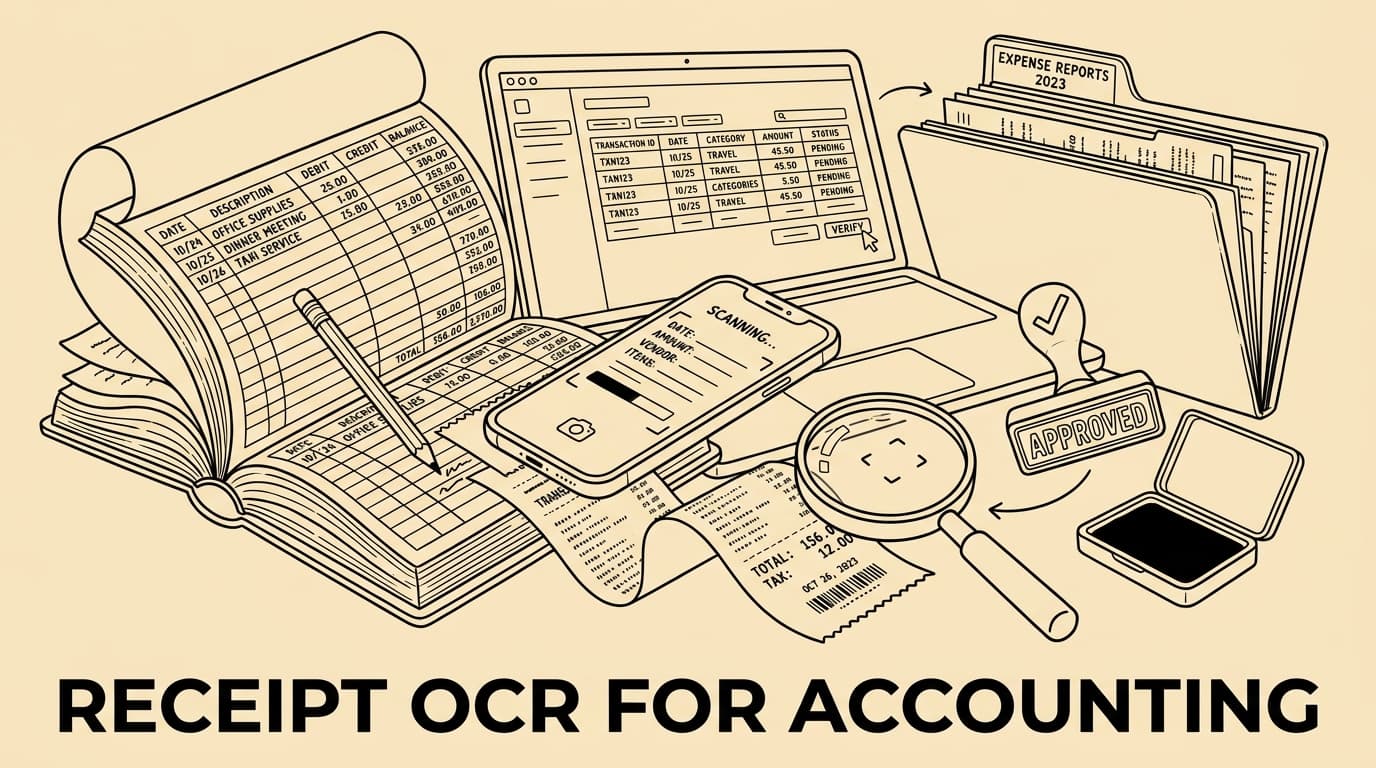
Why receipt OCR matters now
Receipt OCR is no longer a convenience feature that simply saves a few keystrokes. For modern accounting teams it is the entry point into cleaner expense data, faster month-end work and a better audit trail. The technology reads the image of a receipt, proposes fields such as merchant, date, currency, tax amount and total, and then hands those fields to a review or posting workflow.
The important word is proposes. A reliable finance process does not treat OCR as a magic black box. It combines machine reading with validation rules, policy checks and human review for exceptions. That is the difference between a nice mobile capture feature and an accounting workflow that controllers can trust when auditors ask how an expense was approved.
This guide explains how to design receipt OCR for accounting, from the fields you should capture to the controls that keep data usable. It is written for SMEs and finance teams that want automation without losing evidence quality, tax discipline or approval transparency.
The accounting fields OCR should capture
A good OCR setup starts with a field model, not with the camera. The minimum useful dataset is merchant name, receipt date, currency, gross amount, tax amount where available, payment method, employee, cost centre, project and category. For cross-border travel, the workflow should also separate local currency from reimbursement currency and preserve the original image.
Field confidence is as important as field value. If the system is unsure whether a digit is an eight or a three, the record should carry a confidence signal and route to review instead of silently posting the wrong total. Finance teams should define which fields can be corrected by employees and which fields require accounting review.
Attach the image and the extracted data to the same expense record. When tools like Bill.Dock receive a receipt image, the useful outcome is not only the text extraction. The useful outcome is a structured record that can be searched, approved, exported and inspected later without hunting through email inboxes or chat threads.
Validation rules turn OCR into finance data
OCR output becomes accounting data only after validation. Common rules include checking that the total equals net amount plus tax, that the receipt date falls inside the claim period, that mandatory fields are present and that the merchant is not blocked by policy. These checks catch both accidental errors and weak submissions before they reach bookkeeping.
Validation should be layered. Some rules are universal, such as requiring a date and amount. Other rules depend on local tax treatment, employee role, project budget or travel policy. A consulting team may need client-project allocation, while a construction company may care more about site codes and material categories.
Keep the rule language understandable. If an employee sees “tax split inconsistent with total”, they can fix the image or add context. If they see a cryptic accounting error, the claim becomes a support ticket. The best OCR workflows make the next action obvious.
How OCR supports compliance without overclaiming it
Digital records still need disciplined retention, access control and auditability. In Germany, GoBD expectations focus on traceable, complete and tamper-resistant handling of tax-relevant digital records. In Denmark, the Danish Business Authority describes digital bookkeeping system requirements including transaction registration, attachment indication and safe storage of registrations and attachments for five years.
That does not mean an OCR feature alone makes a company compliant. OCR supports compliance when it is part of a controlled process: original image retained, changes logged, approvals timestamped, exports reconciled and access limited to appropriate users. The system should help prove what happened, not merely show that a receipt was photographed.
For international teams, avoid one-size-fits-all retention language. Spain, Italy, the Netherlands, Norway and Sweden each have their own bookkeeping and tax documentation rules. Use local advice for statutory periods and design the OCR archive so records can be retained, exported and deleted according to the rules that apply to each entity.
Implementation checklist for finance teams
Start with a sample of real receipts rather than a perfect demo set. Include faded thermal receipts, hotel folios, taxi apps, restaurant tips, foreign VAT receipts and card slips. Measure where OCR performs well and where it needs policy guidance or manual review. This prevents automation targets from being based on unusually clean examples.
Define exception queues before launch. An exception might be a missing tax amount, duplicate-looking receipt, suspicious merchant, receipt date outside the trip period or amount above a manager threshold. Each exception should have an owner, a service-level expectation and a documented resolution path.
Connect OCR to the rest of the expense process. Capture is only the first step. The record should flow into approval, reimbursement, card reconciliation, accounting export and retention. If extracted data has to be copied manually into another spreadsheet, the automation benefit disappears at the next handoff.
Quality metrics to monitor after rollout
Finance teams should track OCR adoption, exception rate, correction rate, duplicate flags, average time from capture to approval and the share of expenses exported without manual rework. These are operational metrics, not vanity numbers. They show whether the workflow is becoming more reliable month by month.
Correction rate deserves special attention. A high correction rate may mean poor image quality, weak field mapping or policy confusion. A very low correction rate can also be suspicious if reviewers are simply accepting whatever the OCR proposes. Compare corrections with audit findings and reimbursement disputes.
Review category drift regularly. If employees repeatedly reclassify meals, travel, software or office supplies after OCR import, the category model may need clearer rules. Improving categories is often more valuable than chasing another small gain in raw character recognition.
Common mistakes to avoid
The first mistake is treating OCR as a replacement for approval. Reading a receipt does not prove that the purchase was business-related, within policy or allocated to the right client. Approval and accounting review still matter, especially for high-value or unusual claims.
The second mistake is storing only the extracted text. The image is the evidence; the text is an interpretation. Keep both. If an auditor or tax adviser later questions a VAT amount, the team needs to see the original document and the history of any corrections.
The third mistake is ignoring employee experience. If capture is slow, error messages are unclear or mobile upload fails on the road, employees will postpone claims until month end. Good OCR works best when the submission flow is short, the feedback is immediate and the finance rules are visible.
FAQ
- Does receipt OCR eliminate manual review? No. It reduces manual typing and prioritises review, but exceptions and policy-sensitive claims still need human judgement.
- Should small businesses use OCR before they have a full ERP? Yes, if the workflow exports clean records and keeps evidence attached. The key is to avoid creating another isolated inbox.
- Is OCR enough for tax compliance? No. OCR supports a compliant process, but retention, approvals, audit logs and local statutory requirements must also be addressed.
- What is the best first rollout? Start with employee expenses and card receipts, define five to ten validation rules, then expand to travel-heavy categories once the exception process is stable.
Conclusion
Receipt OCR for accounting works when it is designed as a control layer, not a shortcut. The goal is fewer manual keying tasks, clearer evidence and better month-end visibility. Start with the fields finance really needs, validate the output, keep the original document and monitor exceptions. With that foundation, tools like Bill.Dock can turn receipt capture into a dependable accounting workflow instead of another pile of digital images.
Operational governance
A final operating detail is ownership. Decide who maintains merchant aliases, tax mappings, duplicate rules and category examples. Without ownership, OCR quality slowly declines as new suppliers, countries and payment methods appear.
A final operating detail is ownership. Decide who maintains merchant aliases, tax mappings, duplicate rules and category examples. Without ownership, receipt OCR quality slowly declines as new suppliers, countries and payment methods appear.
Operational governance
A final operating detail is ownership. Decide who maintains merchant aliases, tax mappings, duplicate rules and category examples. Without ownership, OCR quality slowly declines as new suppliers, countries and payment methods appear.
A final operating detail is ownership. Decide who maintains merchant aliases, tax mappings, duplicate rules and category examples. Without ownership, receipt OCR quality slowly declines as new suppliers, countries and payment methods appear.
Operational governance
A final operating detail is ownership. Decide who maintains merchant aliases, tax mappings, duplicate rules and category examples. Without ownership, OCR quality slowly declines as new suppliers, countries and payment methods appear.
A final operating detail is ownership. Decide who maintains merchant aliases, tax mappings, duplicate rules and category examples. Without ownership, receipt OCR quality slowly declines as new suppliers, countries and payment methods appear.
Operational governance
A final operating detail is ownership. Decide who maintains merchant aliases, tax mappings, duplicate rules and category examples. Without ownership, OCR quality slowly declines as new suppliers, countries and payment methods appear.
A final operating detail is ownership. Decide who maintains merchant aliases, tax mappings, duplicate rules and category examples. Without ownership, receipt OCR quality slowly declines as new suppliers, countries and payment methods appear.