
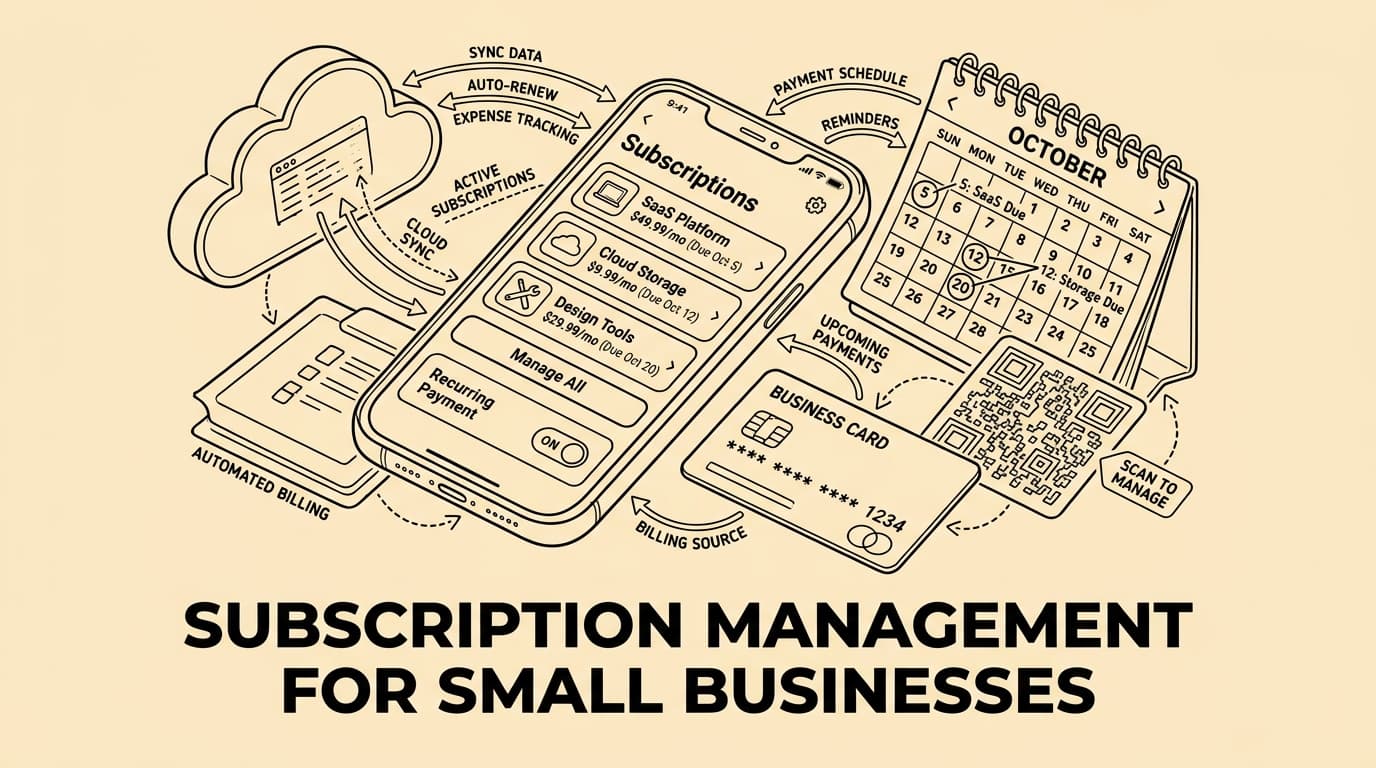
Small businesses today run on subscriptions. Accounting software, project management tools, communication platforms, cloud storage, CRM systems, design apps — the list grows every month. A typical small business with ten employees now pays for between 20 and 40 SaaS subscriptions. Most of these are charged automatically to a credit card. Many are forgotten. Some are used by only one person. A few were cancelled in spirit but never in practice.
Subscription management for small businesses is about knowing what you pay, why you pay it, and whether each subscription earns its place. This guide covers the full picture: how to audit your current subscriptions, how to track recurring expenses systematically, and how to build a lean, cost-effective software stack.
Why Subscription Sprawl Is a Real Problem
Subscription spending tends to grow invisibly. Unlike a one-off invoice that triggers a conversation, a monthly charge of £12 rarely gets noticed. But ten of those charges add up to £1,440 a year — for tools that may no longer even be in use.
Research from multiple expense management providers shows that companies underestimate their SaaS spending by 30 to 40 percent on average. The reasons are familiar:
- Team members sign up for free trials that convert to paid plans
- Department heads approve individual subscriptions without central oversight
- Staff who used a tool leave the company but the subscription stays
- Annual plans are renewed automatically with no review
- Multiple departments pay separately for tools that could be consolidated
For a business watching its margins, this invisible spending is a genuine problem. The solution is not to eliminate subscriptions — modern software is essential — but to manage them deliberately.
Step One: Build a Subscription Inventory
You cannot manage what you cannot see. The first step in subscription management is a complete inventory of every recurring charge your business pays.
Start by pulling three months of bank and credit card statements. Look for anything described as "subscription", "monthly", "annual", "SaaS", or the name of any software vendor. Create a spreadsheet with these columns:
- Service name
- Category (communication, finance, marketing, productivity, etc.)
- Monthly cost (convert annual charges to monthly for comparison)
- Who owns it (the team member responsible)
- How many users are on the account
- Last active use
- Contract end date or renewal date
- Value rating: essential / useful / questionable / unused
This exercise typically reveals immediate savings. Most businesses find at least two or three subscriptions they had forgotten about entirely, and several more where usage is far below what the plan allows.
Categories of Business Subscriptions
Understanding how to categorise subscriptions helps with both budgeting and evaluation. Typical categories for a small business include:
Core Infrastructure
These are subscriptions the business cannot operate without: cloud hosting, email, internet, telephony. They are usually reviewed rarely and changed less often. Costs here tend to be predictable.
Productivity and Collaboration
Project management (Asana, Monday, Notion), communication (Slack, Teams, Zoom), document creation (Google Workspace, Microsoft 365). These often involve per-seat pricing, making headcount changes directly affect cost.
Finance and Administration
Accounting software (QuickBooks, Xero, Sage), expense management (tools like Bill.Dock help track and categorise recurring charges), payroll, invoicing. These are typically essential and low-friction to justify.
Sales and Marketing
CRM (Salesforce, HubSpot, Pipedrive), email marketing (Mailchimp, ActiveCampaign), SEO tools, advertising platforms. This category often contains the most overlap and the most unused capacity.
Design and Creative
Adobe Creative Cloud, Canva, Figma, Loom, stock image libraries. Often used intensively by a few people and not at all by others. Per-seat plans make sense here.
How to Track Subscription Costs Systematically
A one-off audit is a good start, but ongoing tracking is what produces lasting results. There are several approaches, and the right one depends on your business size and existing tools.
Dedicated Expense Management Software
Tools designed for tracking recurring business expenses can automatically categorise subscription charges, alert you before renewals, and give you a real-time view of your total software spend. Bill.Dock, for example, lets you attach receipts and invoices to each subscription entry, set renewal reminders, and export reports for your accountant. This approach works well for businesses that have outgrown a spreadsheet but do not need a full enterprise procurement system.
Bank Feed Integration
Many accounting platforms can pull transactions directly from your bank account and flag recurring charges automatically. This reduces manual work but requires someone to review and categorise the flagged items.
A Shared Spreadsheet with an Owner
For very small businesses, a well-maintained spreadsheet shared with the finance lead is a practical starting point. The key is to assign a single owner responsible for keeping it current and reviewing it quarterly.
Setting a Subscription Budget
Once you have visibility, you can set a budget. A useful benchmark: software and subscription costs for a small service business typically run between 3 and 8 percent of revenue. For tech-forward businesses, this can be higher — but the important thing is to have a number and track against it.
When setting a budget, distinguish between:
- Fixed subscriptions: same cost every month regardless of usage
- Variable subscriptions: usage-based pricing that scales with activity
- Annual commitments: prepaid plans that lock in pricing but reduce flexibility
Annual plans often offer 15 to 20 percent savings compared to monthly billing. For tools you are confident you will use throughout the year, committing annually makes financial sense. For newer tools still being evaluated, monthly billing preserves the option to cancel.
Reviewing and Rationalising Your Stack
A quarterly review of your subscription inventory prevents costs from creeping up unchecked. During each review, ask these questions for each subscription:
- Is this tool still actively used by the team?
- Are we on the right plan for our actual usage?
- Does another tool in our stack provide the same functionality?
- Has the vendor's pricing changed since we signed up?
- Is there a cheaper alternative that meets our needs?
Consolidation is often the biggest opportunity. Businesses frequently pay for separate tools that overlap significantly. A project management tool with built-in time tracking may replace two subscriptions. A CRM with email campaign functionality may replace three.
Managing Renewals and Cancellations
Annual renewals are a particular risk. Most SaaS contracts auto-renew, often with a notice period of 30 to 60 days required to cancel. Missing the window means paying for another year.
Build a renewals calendar. For every annual subscription, create a reminder 60 days before the renewal date. Use this as a forced checkpoint: is this subscription still delivering value? Do we want to renegotiate pricing? Is now the right time to evaluate alternatives?
Cancelling is often harder than it should be. Some vendors require a phone call, a written notice, or a specific cancellation flow buried in account settings. Document the cancellation process for each subscription at the time you sign up — it will save time later.
Assigning Ownership and Accountability
Every subscription should have a named owner. This is the person responsible for evaluating the tool's value, managing the account, and flagging if it should be cancelled. Without a named owner, subscriptions persist by default.
For small businesses, a practical rule is that the finance lead or owner approves any new subscription above a minimum threshold (say, £20/month or £200/year). Below that, team leads may have discretion — but all subscriptions must be logged in the central inventory within one week of signing up.
Practical Tips for Reducing Subscription Costs
- Audit before renewal: Set a calendar reminder 60 days before each annual renewal to evaluate whether to continue
- Negotiate volume discounts: Many vendors will negotiate pricing for small businesses, particularly at renewal time
- Use free tiers where appropriate: For tools used occasionally, a free tier may be sufficient
- Share accounts where allowed: Some tools allow multiple users under one account — check before buying separate seats
- Review per-seat pricing: When team members leave, remove their accounts promptly to avoid paying for unused seats
- Centralise billing to one card: All subscriptions billed to one company card makes tracking much simpler
FAQ: Subscription Management for Small Businesses
How many subscriptions does a typical small business have?
Research suggests the average small business (under 50 employees) pays for between 20 and 40 SaaS subscriptions. Many of these are unknown to the finance team because they were set up by individual employees on personal or company cards.
What is the best way to track business subscriptions?
Start with a manual audit of bank and credit card statements. Then choose a tracking system — a spreadsheet, your accounting software, or a dedicated expense tool like Bill.Dock — and assign someone to keep it updated. The system matters less than the discipline to maintain it.
How often should we review our subscriptions?
A quarterly review is the minimum. Many businesses find it useful to do a brief monthly check of new charges, with a deeper annual review before budget-setting season.
Should we choose annual or monthly billing?
Annual billing typically saves 15 to 20 percent. Choose annual for tools you are confident will remain in use for 12 months. Choose monthly for new tools you are still evaluating, or where your usage might change significantly.
What is subscription sprawl?
Subscription sprawl is when a business accumulates more subscriptions than it can effectively manage, often with significant overlap between tools and a meaningful portion unused or underused. It is a natural consequence of decentralised purchasing decisions and a common source of unnecessary spending.
Conclusion
Subscription management for small businesses is not about eliminating the tools that make modern work possible. It is about buying deliberately, tracking consistently, and reviewing regularly. The businesses that manage their subscription spend well tend to spend less, waste less, and have clearer visibility into their true operating costs.
Tools like Bill.Dock make this easier by centralising your expense tracking and giving you a clear view of recurring charges month by month. Whether you start with a spreadsheet or a dedicated platform, the most important step is to start — because the cost of not knowing is always higher than the cost of knowing.